Statistical Software and Training
Tools and training to help you work confidently with your data
BioGrid members can access SAS tools for data analysis, visualisation and reporting, along with complimentary training tailored to their research needs.
Use the tools with your own data or, where authorised, data connected through BioGrid.
Analyse, explore and report your research data
BioGrid provides members with access to two SAS tools, supporting different ways of working with research data.
SAS Enterprise Guide
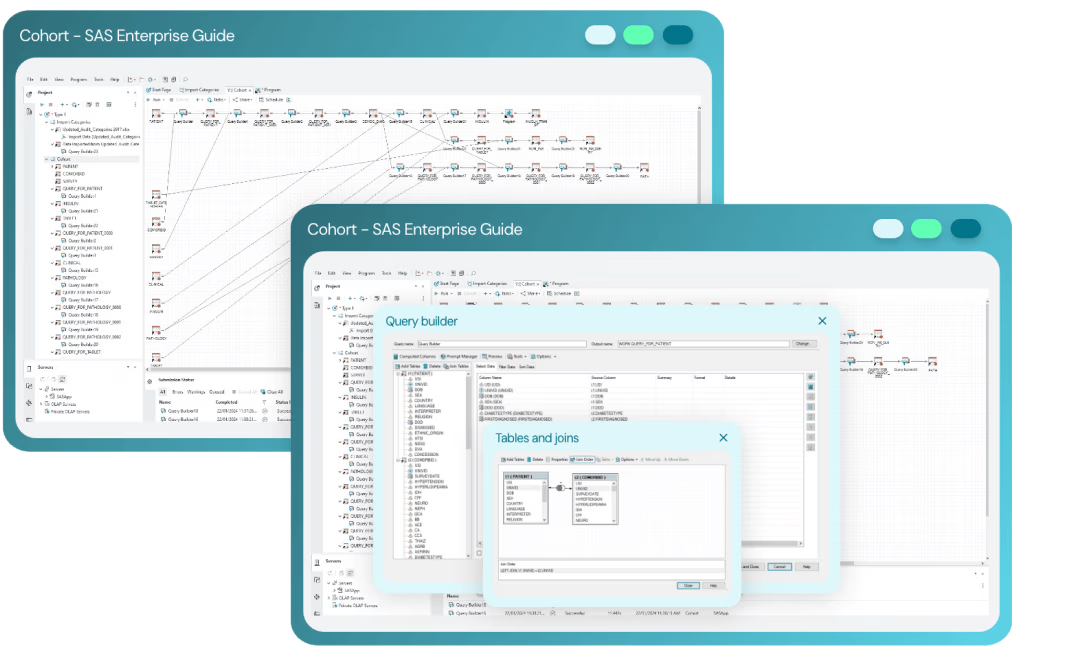
For deeper data analysis
Transform and standardise data
Link data across databases
Run descriptive and statistical analyses
Generate graphs, tables and outputs
Import and export data
Best suited to: researchers undertaking more detailed data preparation and statistical analysis.
SAS Visual Analytics
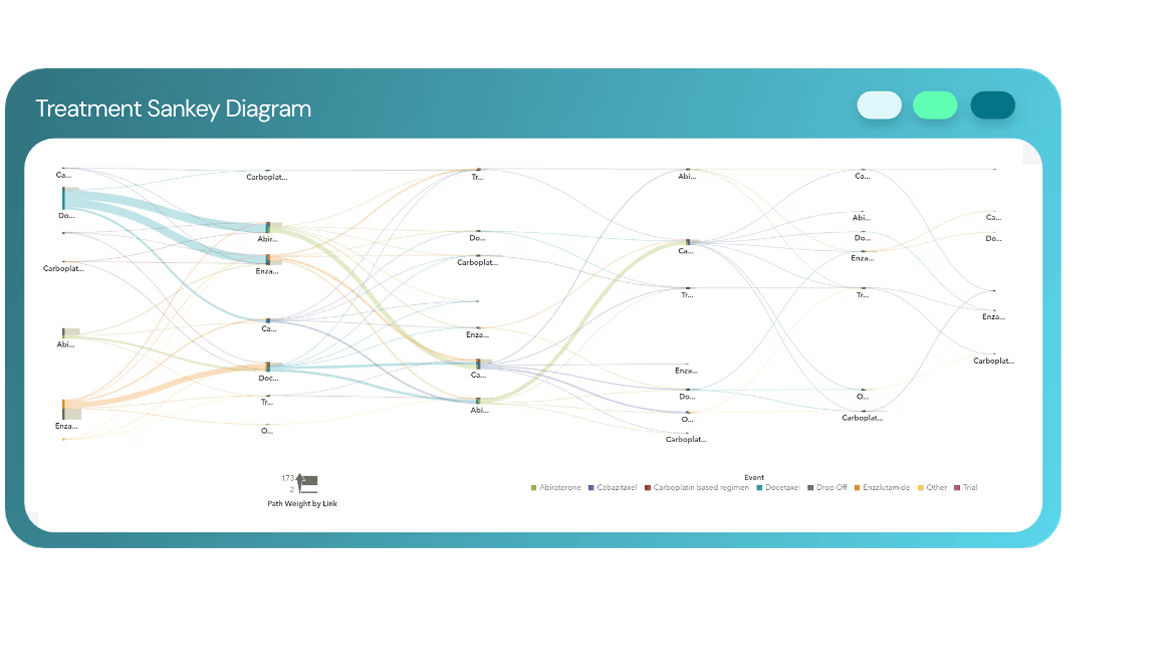
For visual exploration and reporting
Explore data interactively
Create dashboards and reports
Visualise patterns and trends
Support data review and cleaning
Explore location-based data
Best suited to: researchers who want to explore, visualise and report data without needing to understand database relationships.
Training tailored to your research
BioGrid offers complimentary SAS Enterprise Guide and SAS Visual Analytics training for members working on ethically approved projects.
Training is tailored to your research requirements, helping you develop the skills to use the tools independently for your own analysis and reporting.
Sessions can be delivered in person or online and can focus on the functionality most relevant to your project
Tailored to your project
Focus on the tools and techniques relevant to your research.
Hands-on
Work with analysis, visualisation and reporting functionality.
In person or online
Choose the training format that works for your team.
Need more support with your analysis?
If you need more than software training, BioGrid Data Analysts can also provide specialist support with data integration, analysis, visualisation and reporting.
Frequently asked questions
BioGrid members can access SAS statistical software and complimentary training for ethically approved research projects.
No. Training can be tailored to your level of experience and research requirements, helping you develop the skills needed to use the relevant tools independently.
SAS Enterprise Guide supports more detailed data preparation and statistical analysis, while SAS Visual Analytics provides a more visual, self-service environment for exploring data and creating reports and dashboards.
Access the data your research needs
Whether you are planning a new study, looking to connect existing datasets, or need to create a new collection, BioGrid can help identify the right pathway.
Secure Research Infrastructure
Learn how BioGrid provides the secure infrastructure researchers need to access, manage, and analyse sensitive health data while protecting privacy and supporting collaboration.
Data Quality and Analysis
Discover how BioGrid prepares, validates, and analyses complex health data to generate reliable evidence and meaningful research insights.